Dacor connected appliance setup is the part of an installation that gets done last, badly, by whoever is still in the kitchen when the fitters leave. It is worth ten minutes of attention at the right moment instead, because the decisions that make connectivity reliable — where the router sits, which network the appliance joins, who owns the account — are cheap to get right before the cabinetry closes and awkward afterward.
Signal, measured where the appliance will stand
A kitchen is a hostile place for a wireless signal. Appliances are metal boxes, they sit inside cabinets, panel-ready doors add another layer, and a refrigerator column is effectively a shielded enclosure. A network that is strong standing in the middle of the room can be marginal at the back of a cabinet six feet away.
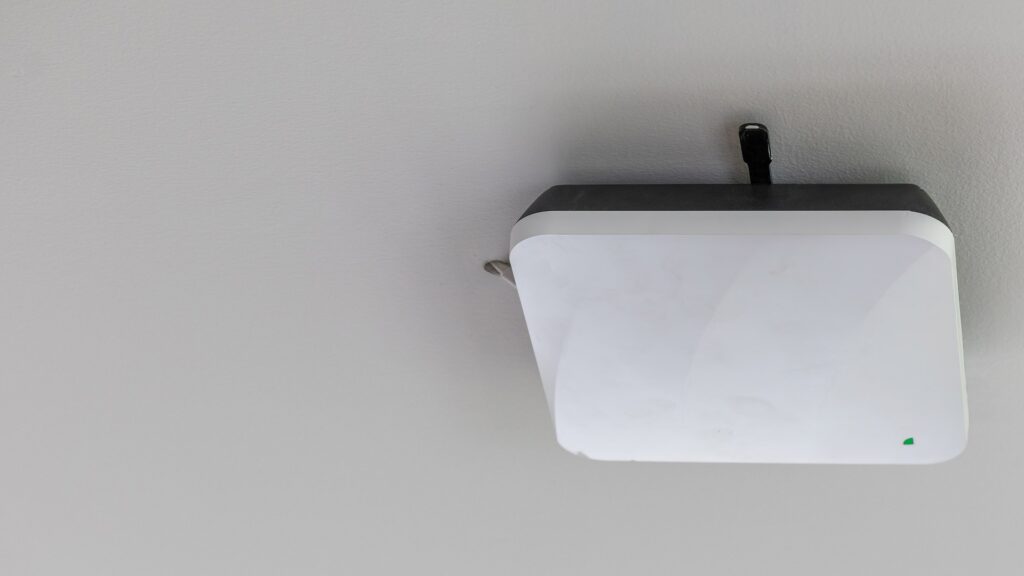
Check with a phone, held where the appliance’s own antenna will be — low, behind, inside the run — rather than at head height in the open. If it is weak there, the answer is not a better appliance. It is an access point closer to the kitchen, or a mesh node in the adjoining room. This is much easier to arrange while the kitchen is still a building site.
Which network to join
Connected appliances generally use the 2.4 GHz band, which travels further through cabinetry than 5 GHz does. Two situations cause most pairing failures:
- A single combined network name for both bands, where the phone doing the pairing is on 5 GHz while the appliance needs 2.4. Temporarily separating the names, pairing, then restoring them is the standard workaround.
- A guest network or a captive portal. Appliances cannot accept terms on a web page, so any network requiring a browser step will never complete.
It is also worth deciding deliberately whether appliances belong on the main network or on a separate one for devices. Either is fine; what causes trouble is moving them later, because every appliance then has to be re-paired and nobody remembers which account they were on.
The account, which outlives the installation
Pair appliances to the household’s own account. Installers and kitchen fitters sometimes pair to their own to demonstrate the feature, and the result is a set of appliances that a household cannot control and cannot easily reclaim.
Three practical rules:
- the account email should be one the household will still have in five years;
- anyone who needs alerts should be invited rather than sharing the password;
- when the household changes — a sale, a rental turnover, a separation — remove accounts that should no longer have access, including any camera view.
Our page on how RemoteView works covers what camera access actually shows, which is worth understanding before deciding who keeps it.
Paired columns and multi-appliance setups
Where two columns are installed side by side as one composition, the connected features are configured for the pair. A camera feature in particular belongs to the paired installation rather than to one cabinet, and the app configuration reflects that.
The consequence appears at service time: if one column is swapped or its control is replaced, the pairing and the app setup usually need attention afterward. Ask for that to be done at the end of the visit. It takes a few minutes with the technician still present and is a separate appointment if it is noticed a week later. The site’s page on panel-ready column installation covers the physical side of the same job.
What connectivity is actually worth
The alarms are the part worth setting up carefully, because they catch the failures that cost money — a door left ajar overnight, a freezer drifting while the house is empty. The site’s page on the refrigeration alarms explains what each one means.
What changes later, and how to survive it
Three ordinary household events break connected appliances, and none of them is an appliance fault.
A new router. The network name and password change, and every appliance in the house drops off at once. Keeping the same network name and password on a replacement router avoids the whole problem; where that is not possible, expect to re-pair each appliance and set aside half an hour rather than discovering it one at a time over a month.
A password change. Same effect, quieter. The appliance simply stops reporting and nobody notices until an alarm that should have arrived does not.
A phone replaced. The app moves with the account rather than the handset, which is exactly why the account matters more than the device it was set up on. Signing in on the new phone should restore everything; needing to re-pair appliances at that point usually means they were paired to an account nobody has anymore.
A short note kept with the appliance documents — network name, account email, date of setup — turns each of these from an afternoon into a few minutes.
A ten-minute handover checklist
- Signal checked at the appliance position, not across the room.
- Appliance joined to the intended network, with the household’s credentials.
- Paired to the household’s own account, with a recovery email that will last.
- Alarms enabled for door-ajar and temperature, and tested once.
- Model and serial recorded, along with which account owns the appliance.
- Any installer account removed.
When to call
Call when an appliance will not pair after the network has been verified, when a connected appliance drops off repeatedly while others stay online, when alarms stop arriving, or when a control replacement has left the app configuration in a state you would rather not sort out yourself.
We are an independent repair company and not a factory service arm. Pricing starts from a diagnostic visit and we confirm the estimate before any work begins. Dacor oven repair covers controls, sensors, elements and connected hardware, and you can schedule a visit online.