A Dacor microwave trim kit is the finishing frame that fills the gap between a built-in microwave and the cabinet opening around it, so the microwave looks like part of the cabinetry instead of a box dropped into a hole. Whether your Dacor microwave takes a trim kit at all, which kit, and how it attaches are answered by the installation instructions for your exact model number, not by a general rule. This guide explains what a trim kit is, how to find out which one applies to you, and what to settle before the kit or the cabinet work is ordered.
What is a Dacor microwave trim kit?
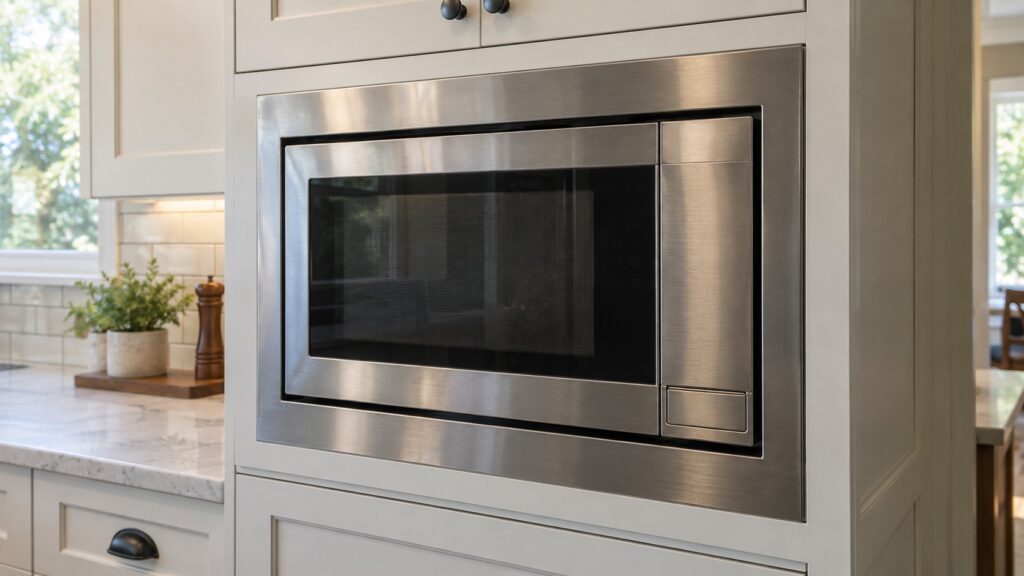
In general, a trim kit for a built-in microwave is a set of finishing pieces that frame the unit inside its opening. A built-in microwave sits in a cutout in the cabinetry, and the opening is rarely a perfect match for the front of the appliance. The trim hides the gap and gives the installation clean edges. Kits are specific to a model or a family of models, which is why asking for “a Dacor trim kit” does not get you the right part.
Our pages do not describe a specific Dacor trim kit, its parts or its fit, so we will not tell you what is in one. What we can say is where the answer lives: in the installation instructions and the specification sheet for your model, and with the dealer or the maker who supplies the kit.
Which Dacor microwave do you have?
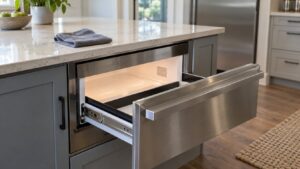
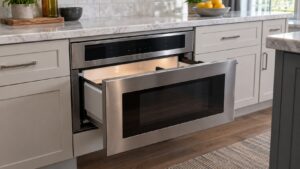
Start with the model number, because the answer depends on it. Our microwave pages list four Dacor models. The DMR30M977WS is a 30-inch drawer microwave that installs into a lower-cabinet cutout. The PCOR30S and PCOR30B are 30-inch over-the-range convection microwave hoods. Our model directory lists the DMW2420B as a 24-inch countertop microwave, although one of our troubleshooting pages refers to it as a drawer unit, so confirm from your rating plate and manual which you have; a countertop unit is not built into a cutout at all, so ask whether any kit applies to it before you order one. Our guide on how to read a Dacor model number shows where to find yours.
If the model is older, the generation matters too, because manuals and parts differ. Our page on which generation of Dacor you have explains how to tell.
What must you decide before ordering a trim kit?
Four things, in this order. First, the exact model number, read from the rating plate on the appliance or from the paperwork. Second, the cutout: its dimensions are taken from the installation instructions for the specific model, not from a general “30-inch microwave” assumption. Third, how the cabinetry around the opening is built, since the kit has to sit against it. Fourth, the electrical supply. Our installation page says both the drawer and the over-the-range configurations need a dedicated circuit sized to the manufacturer’s specification, so the circuit is part of the same plan as the trim.
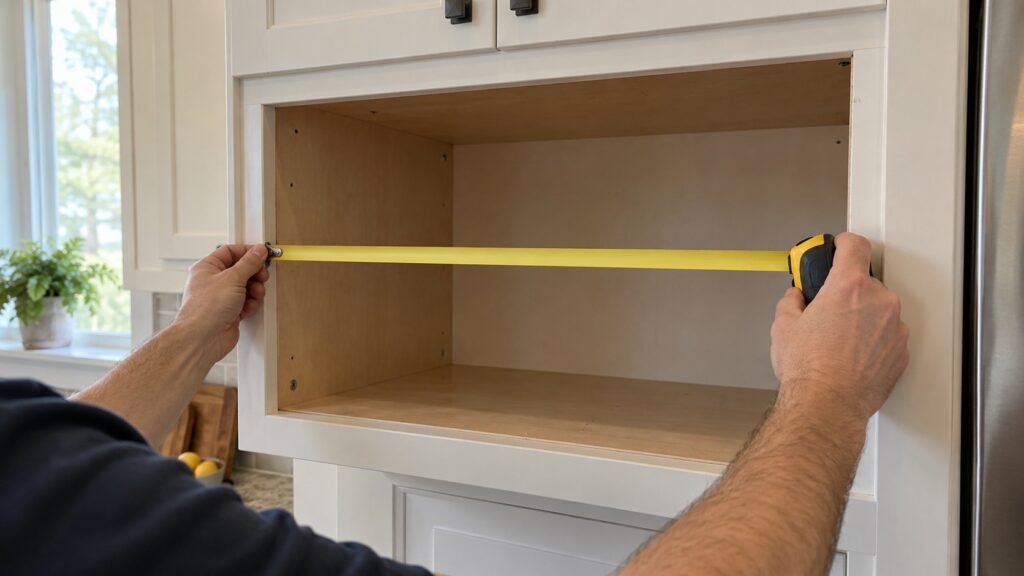
Measure the opening in height, width and depth and compare it with the installation sheet before anything is ordered. We do not quote dimensions or clearances here, because the right figures belong to your model and a wrong figure costs more than a phone call to confirm it.
How is a trim kit installed?
The mounting steps differ by model, and the instructions that come with the kit or the microwave are the authority. What we can describe in general is the order of the job: confirm the model and kit, confirm the cutout and the support behind it, fit the appliance as the manual says, then fit the trim so it frames the opening evenly. Do not cut, shave or modify the cabinetry or the trim to make something fit unless the instructions call for it. A forced fit leaves gaps, can block ventilation and can strain the appliance.
For a drawer microwave, remember the weight: our installation guide notes the cabinetry has to support the drawer mechanism when it is fully extended and loaded. For an over-the-range unit, mounting height and the duct run matter more than the trim. Our guide to Dacor microwave installation, cutout and venting covers both, and both configurations are better suited to professional installation than a first DIY attempt, particularly where ventilation ducting is involved.
What goes wrong with a trim kit and how do you avoid it?
The common problems are all about ordering before checking. The kit is for a different model, the cutout was built to a general size and does not match, the cabinet finish was applied before the fit was tested, or the ventilation path was covered by the frame. Avoid them by confirming the model number first, getting the instructions for that model before the cabinet maker starts, and test-fitting before any finish is applied. If the microwave is part of a wider design with matching panels, our page on a panel-ready integrated kitchen explains how the appliances are planned together.
Never install any part of the appliance with the power connected. If you are unsure about the circuit or the wiring, stop and bring in a licensed electrician; do not open the appliance housing yourself.
When should you call a technician or installer?
Call when the opening does not match the instructions, when the kit does not fit the cutout, when the microwave does not sit square, or when anything about the circuit is uncertain. After installation, if the microwave shows ERROR, our page on why a Dacor microwave only says ERROR explains what that single word covers. See the Dacor microwave repair page for what a visit includes.