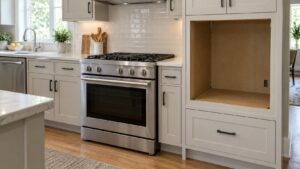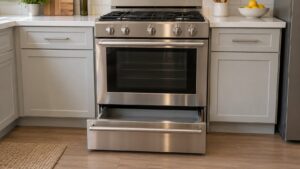
What C-F2 means on your Dacor range (dacor range c-f2)
Dacor range c-f2 is the touch-panel counterpart to c-f0: instead of losing contact with the sub PBA, the main PBA has lost its communication link specifically with the touch control panel on the Modernist Pro Range. Because this range’s panel sits above the cooktop and handles both oven settings and cooktop-related indicators, a c-f2 problem can leave the whole display unresponsive even while burner ignition hardware, which often runs independently, keeps working. Dacor rates this Medium rather than High since the problem is isolated to the display and input path rather than the heating and safety side.
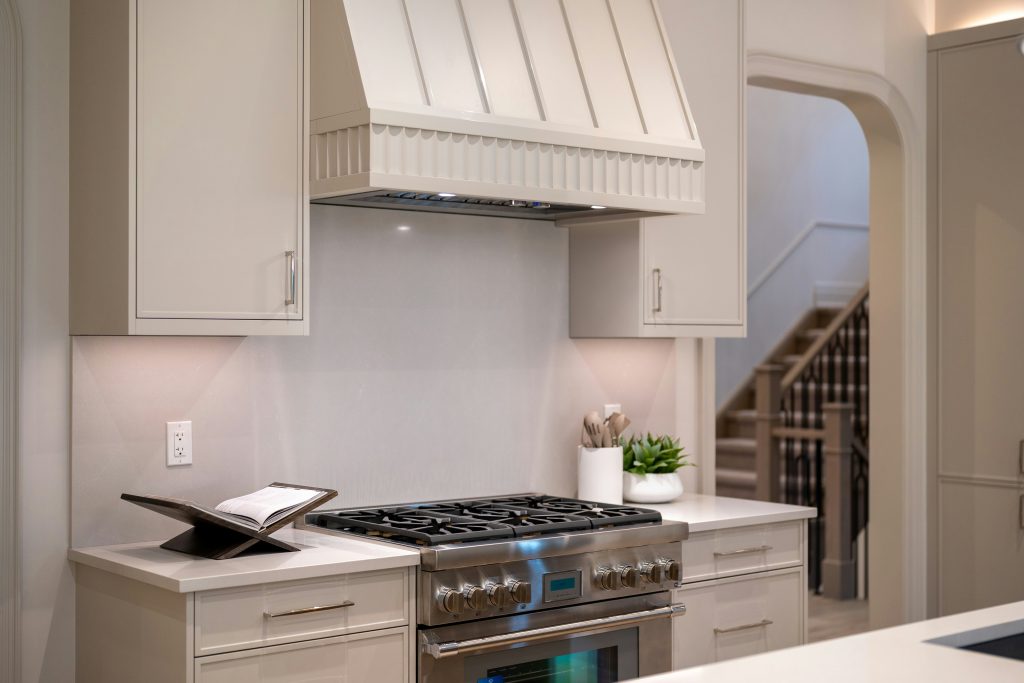
Symptoms
Read these against your range: they are what tells C-F2 apart from the other things that can go wrong on a Dacor range.
- C-f2 appears and the touch panel becomes completely unresponsive to any input.
- The display may go blank, freeze on the last screen, or show garbled segments.
- Cooktop burners with independent ignition hardware may still light manually even while the display shows c-f2.
- The problem can appear suddenly after years of normal use as the ribbon connector ages.
- Tapping or pressing the panel firmly does not restore response once c-f2 has triggered.
Common causes
There is more than one road to C-F2 on a Dacor range, and the list below walks them in the order a technician would on your range.
- Loose or degraded ribbon cable — the connection between the touch panel and the main PBA has failed intermittently or fully.
- Touch panel circuit failure — the panel’s own small controller has stopped responding to the main board’s polling.
- Main PBA communication port problem — less commonly, the primary board’s side of the link has failed.
- Heat-related connector fatigue — repeated thermal cycling near the cooktop can loosen ribbon connectors over years.
- Moisture or grease ingress at the panel seam — cooktop steam and spills working behind the panel can corrode the connector.
Troubleshooting steps you can try
Run these checks on your Dacor range in the order given, stopping at the first that asks you to open the range up or touch anything electrical.
- Power-cycle the range at the breaker and wait a full minute before restoring power.
- Check whether cooktop burners can still be lit manually, which tells the technician whether the problem is isolated to the display path.
- Avoid pressing the touch panel repeatedly, since it will not restore a broken communication link.
- Note how long the range has been in service, since ribbon-cable fatigue is more common on older units.
- Do not attempt to remove the control panel to inspect the ribbon cable yourself.
Parts a technician may replace
For this problem, the main pba, touch control panel, and ribbon cable on your Dacor range are the components in scope. Which of them has failed on the range is established on site before any range part is sourced.
When to call a technician
A dead touch panel with burners still working points to the ribbon cable or panel circuit specifically, and a technician can usually confirm and repair this without replacing the main PBA. This rates Medium on a range, so take your time — but do not keep clearing C-F2 on the range without finding out why. This is independent service for your range — genuine OEM or trusted-supplier parts, and a 30-day warranty on the labor.
Related help and Dacor resources
If the C-F2 condition keeps coming back on your range after these checks, book Dacor range repair, read the rest of our range problem pages, or schedule a visit. Manufacturer specifications for your range are at www.dacor.com.