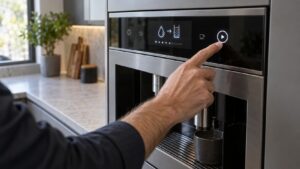
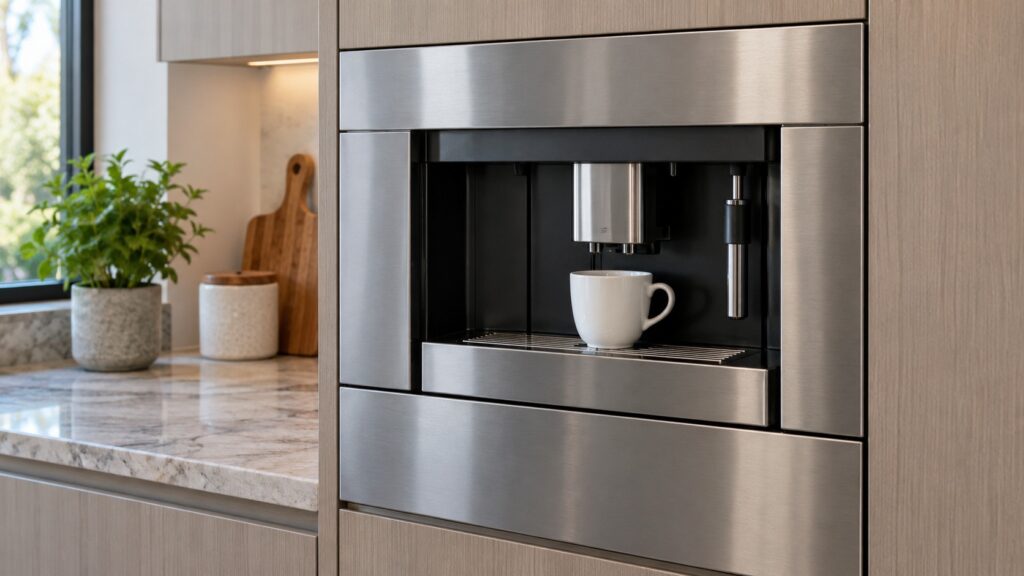
Dacor coffee machine daily use comes down to a few habits: read the message on the display word for word, keep the used-grounds bin seated and the front panel shut, run the cleaning routines when the machine prompts for them, and descale on schedule with a solution made for coffee machines. These tips apply to the CM24P (plumbed) and CM24T (tank-fed) Automatic Coffee System, which our pages say is a discontinued platform with no successor in Dacor’s current lineup. The exact order of buttons and routines on your unit is in the Use and Care manual for your model.
What should you check each day on a Dacor coffee machine?
Three quick looks cover most mornings. First, the grounds bin: our repair tips page says the message “Machine Ready – Drawer Out” means the used-grounds bin is not seated correctly, and the buttons stay disabled until it is reinstalled properly. Second, the front panel: “System Off – Front Panel Open” means the front panel door is not fully closed, and the buttons stay disabled until it is shut. Third, the water: on the tank-fed CM24T, the tank needs to be in place with water in it; on the plumbed CM24P, the water supply connection is part of the installation, which our plumbed and reservoir installation guide covers. Both of the first two are mechanical, not electronic, and both are worth ruling out before assuming a fault.
How to empty the grounds bin, how to fill the tank and where each part sits on your model are in the Use and Care manual, and we do not describe them here.
Why does reading the message word for word matter?
Because this platform never shows a code. Our tips page says every problem indicator is a full sentence, so there is no code to look up, and “Machine Ready – Drawer Out”, “System Off – Front Panel Open” and “Xxxxxx Group Error” are three different situations. Write down the exact wording when something appears. A message naming a specific subsystem points a technician somewhere useful immediately; a paraphrase like “it says error” does not. Our page on three things to check before you call for Dacor coffee system repair explains the messages in detail.
Which messages are routine prompts, not faults?
Two of them. “Please Milk Clean” appears automatically two hours after the milk-dispensing button was last used, and “Clean Group” appears every fifty cycles. Our pages say neither means anything has broken; both mean it is time to run the corresponding cleaning routine. Run the routine as your manual describes rather than dismissing the prompt, because skipping cleaning is how milk residue and coffee oils build up in the paths the machine uses. Our Please Milk Clean and Clean Group pages cover what each prompt covers.
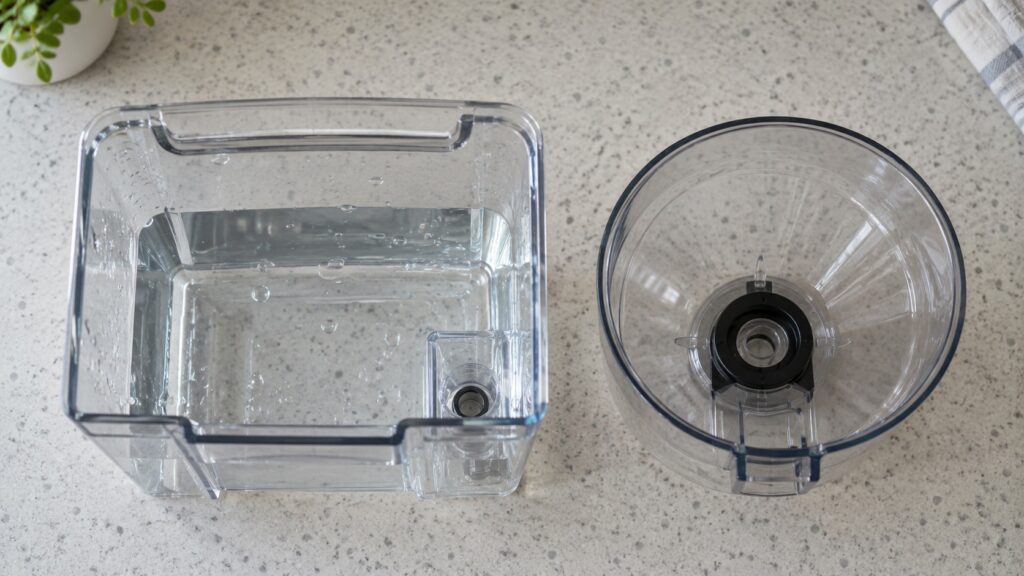
How should you descale and what should you not use?
Descaling needs to happen on a schedule tied to water hardness and use, not a fixed calendar date. Our descaling guide says to use only a solution intended for espresso and coffee machines, not vinegar or general-purpose descalers, and not to interrupt a descaling cycle partway. It also says the machine’s own reminder, based on the water hardness setting entered during setup, is a better guide than a generic rule, so make sure that setting is right. Skipping descaling shows up as slow heating, weak flow, a cycle that will not complete or a temperature message that is really scale insulating the sensor. See our Dacor coffee machine descaling schedule for the full reasoning.
Which messages mean stop and call a technician?
Genuine error messages are different from prompts. Our tips page lists “Timeout Filling Up Broiler”, “Flow Meter Error” and “Error – Coffee Temperature” or “Error – Steam Temperature” as messages that disable the buttons, and says that in the temperature cases the message itself asks you to call for service. Do not keep resetting the machine; write the message down and book. A “Flow Meter Error” that persists after you confirm the water tank or supply connection is worth a technician’s attention. Never open the machine, remove panels or try to reach internal parts to clear a message; the machine contains a water boiler and mains wiring. If you see water pooling under it, our page on a coffee machine leaking underneath lists the checks, and if water reaches an outlet, switch off the breaker at the panel while standing on a dry floor.
What if your coffee machine is getting old?
Our page on why Dacor no longer makes a coffee machine says repair remains possible where genuine parts are available, but there is no same-brand direct replacement. A mechanical problem such as a grounds bin that will not seat is worth fixing regardless. For anything bigger, the decision becomes repair cost against replacing the unit with another maker’s built-in system, with whatever cabinet or plumbing changes a different footprint needs. A technician can help you weigh that. See the Dacor coffee machine repair page for what a visit covers.