If your Dacor oven won’t stop beeping, it is most often reacting to its own control panel rather than to a fault in the oven. The usual causes, in the order to check them, are a timer that finished and was never cleared, a wet or greasy touch panel that is reading a key as held down, and a stuck or shorted key behind the panel. On an older oven that last cause shows as F0, on a Samsung-era oven as C-d0, and in both cases the cure starts with a dry, clean panel. If the beeping continues after that, a technician needs to test the keypad.
Why does a Dacor oven keep beeping?
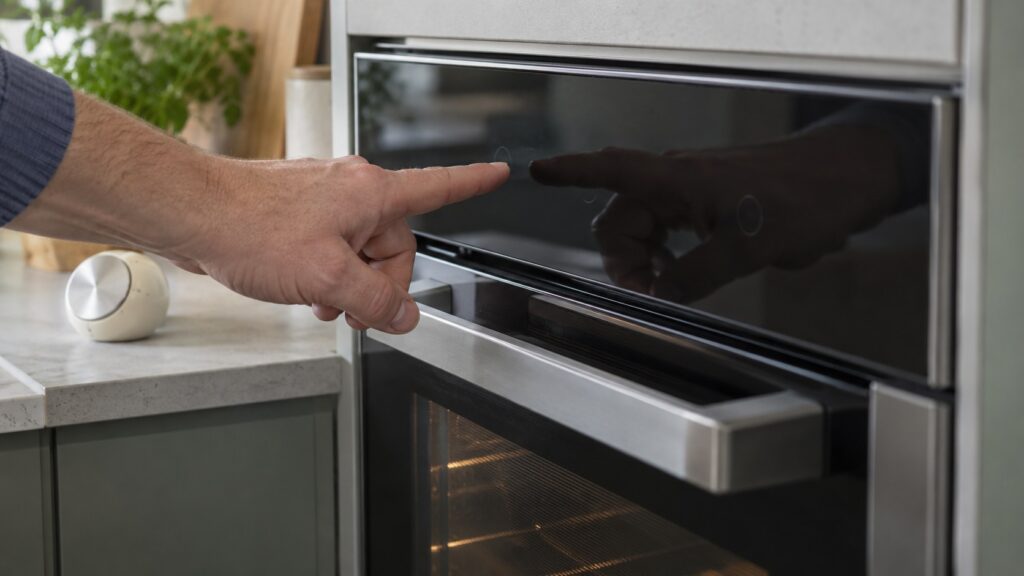
An oven beeps to tell you something: a timer ended, a key was pressed or a fault was registered. When it beeps with nobody touching it, the panel has usually decided something is being pressed, or a reminder is waiting for you. Our pages say Dacor ovens use a touch panel, which means a spill, a cloth, a lingering fingertip or condensation across two touch zones can look to the control like a key held down. We found no page on this site that lists every beep pattern for every Dacor oven, so what each pattern means on your model is in the owner’s manual.
Note what the display shows while it beeps, whether a timer icon is lit, whether a cook is running and whether the beep is steady or repeating. Those details separate the causes quickly.
Could it be a timer that was never cleared?
Start here, because it needs no tools. Look at the display for a timer or a delay-start setting. A finished timer, or a setting left from an earlier attempt, can keep sounding until it is acknowledged, and our pages note that a leftover delay-start or timer can also block a new selection. Clear it the way your manual describes; the keys differ between models, and we will not give you a key sequence that your oven may not have. A cooktop on this site that beeps with a timer icon blinking behaves the same way, as our Dacor cooktop repeated beeping page explains for that appliance.
Could a wet or greasy touch panel be causing it?
Yes, and it is common right after cleaning. Our oven C-d0 page says liquid or condensation on the touch panel can bridge two touch zones and read as one key held down, and that a finger, a cloth or an object resting on the panel, or a film of cooking grease, can do the same. The same page notes the problem usually clears within seconds of removing whatever is touching the panel. So wipe the whole panel dry with a soft cloth, check that nothing is resting on it, and wait a minute before you judge the result. Avoid harsh spray cleaners directly on the panel, since residue can retrigger the problem.
What do F0 and C-d0 mean when the oven beeps?
Both are stuck-key codes, from different generations. On a Legacy Dacor wall oven built before 2016, F0 means the control found a key shorted or stuck closed; our oven F0 page lists beeping repeatedly with nobody touching the panel among its symptoms. On a Samsung-era Modernist wall oven, C-d0 means the same key was held or shorted for a continuous minute. Which one you see tells you which generation you own, and our guide to oven F-codes and C-codes explains why the codes never overlap.
For F0, our page suggests turning the oven off at the breaker for one full minute, restoring power, wiping the touch pad and the seam around it dry and pressing each button lightly once to see if one feels different. It adds that pressing keys repeatedly while F0 shows can extend the lockout, so do not hammer the keys.
What if the oven beeps with the probe or an alarm showing?
If a meat probe is plugged in, a probe code is a different problem from the panel. Our guide to the Dacor meat probe and what C-23 means says an unplugged probe and a plain bake are the test for a probe circuit. If the oven is connected to the app, an alarm may sound for a reason the app can show; what each alert means on your oven is in the manual.
When should you stop and call a technician?
Call if the beeping returns on a clean, dry panel with nothing touching it, if F0 or C-d0 comes back after a power cycle, if keys feel stuck or spongy, or if the oven cycles or shuts down on its own. Do not remove the control panel or any cover to look at the keypad; that is a technician’s job. If you smell burning or see sparks, switch off the breaker at the panel while standing on a dry floor, and never pull a plug from a wet outlet. Our Dacor oven repair page explains what a visit includes.