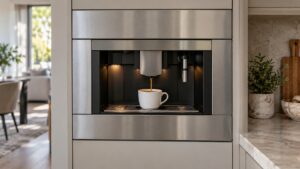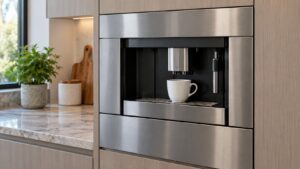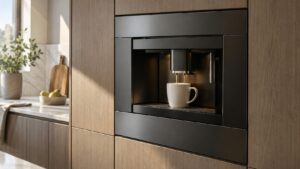
These dacor coffee system tips apply to the CM24P and CM24T Automatic Coffee System, a discontinued platform with no successor in Dacor’s current lineup, whose Use and Care Manual documents every problem indicator as a full sentence rather than a code — there is no “F12” or similar string to look up anywhere in this platform’s documentation.
Check one: read the exact message text, word for word
“Machine Ready – Drawer Out,” “System Off – Front Panel Open,” and “Xxxxxx Group Error” are three genuinely different messages describing three different situations, and writing down the precise wording before calling matters far more here than it would on a coded appliance, since there is no shorthand to fall back on. A message naming a specific subsystem points a technician somewhere useful immediately; a paraphrase like “it says error” does not.
Check two: the grounds bin and front panel, before anything else
“Machine Ready – Drawer Out” means the used coffee-grounds bin is not seated correctly, and the buttons stay disabled until it is reinstalled properly — this is worth checking first, since it resolves without any technician visit at all. “System Off – Front Panel Open” means exactly what it says: the front panel door is not fully closed, again disabling the buttons until it is shut. Both of these are mechanical, not electronic, and both are worth ruling out before assuming a genuine problem.
Check three: separate routine prompts from real problems
“Please Milk Clean” appears automatically two hours after the milk-dispensing button was last used and is a routine cleaning prompt, not a problem. “Clean Group” appears every fifty cycles for the same reason. Neither of these means anything has broken; both simply mean it is time to run the corresponding cleaning routine. Genuine error messages — “Timeout Filling Up Broiler,” “Flow Meter Error,” and “Error – Coffee Temperature” or “Error – Steam Temperature” — explicitly disable the buttons and, in the temperature-related cases, ask the owner to call for service directly in the message text.
What we could not confirm
No evidence in our research shows Dacor redesigned this coffee platform after the Samsung acquisition, and the current dacor.com product index does not list a coffee-machine category at all. If your unit is a CM24P or CM24T, it is running the same platform documented here regardless of when it was purchased, since no later revision or successor was found.
When to book service
A “Flow Meter Error” that persists after confirming the water tank or supply connection, or either temperature-related error message, is worth an experienced technician’s attention rather than repeated resets. We service this platform independently of Dacor and Samsung, with a 30-day labor warranty on our own workmanship. See our coffee machine appliance page and book a visit with the exact message text ready. Dacor’s own site no longer lists this category, which is itself useful context to share with a technician before the visit.