What Knob Wont Click Into Position means on your Dacor cooktop (dacor cooktop knob loose detent)
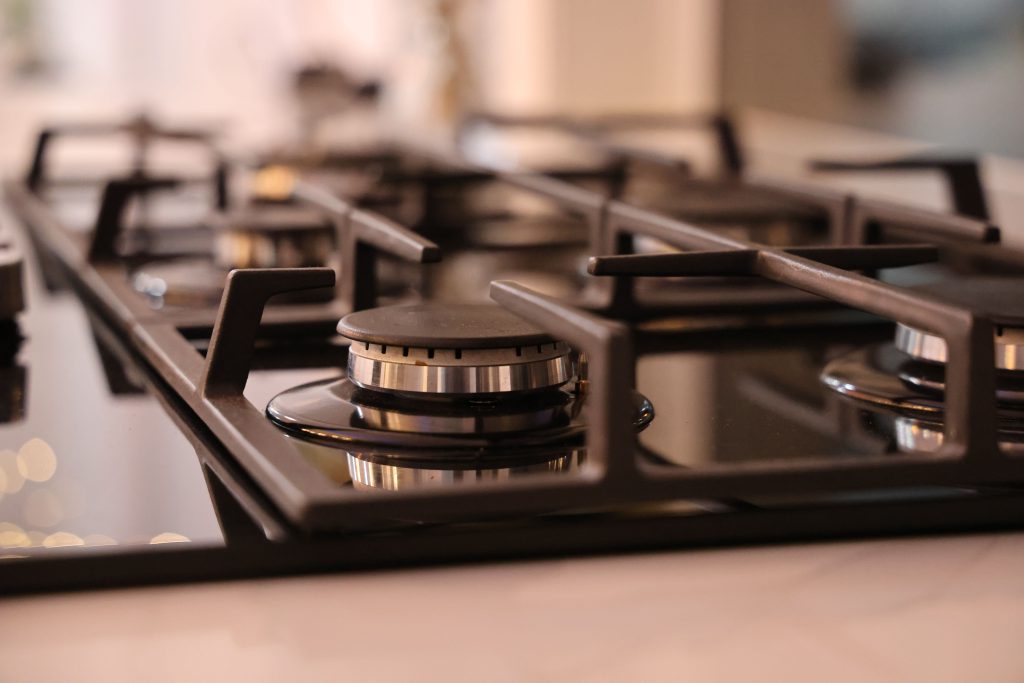
A cooktop showing this is showing a symptom, not a code, since Dacor publishes no code that covers it. — gas cooktops have no digital code table at all, so a knob that feels loose or does not click into its detent positions is purely a mechanical issue with the knob or the valve shaft beneath it. Each detent position corresponds to a specific rotation of the gas valve, and a knob that spins freely, feels sloppy, or does not seat at the expected stops can make it hard to judge or hold a consistent flame level even though the burner itself lights and runs fine.
Symptoms
Run your eye down this list and compare it with the cooktop in front of you, because Knob Wont Click Into Position shares its symptoms with several other cooktop problems.
- The knob turns smoothly but does not click firmly at the marked low, medium, or high positions.
- The knob feels loose or wobbly on the valve stem when touched, even when not being turned.
- The flame level does not match where the knob visually points on the control panel.
- A knob may have come partly detached from the valve stem, sitting at a slightly different angle than the others.
- The issue is often limited to one knob while the rest on the same cooktop feel normal.
Common causes
The list below covers what actually causes Knob Wont Click Into Position on a cooktop, in the order a technician would eliminate them on a Dacor cooktop.
- Worn detent mechanism inside the knob — repeated years of turning can wear down the internal clicking mechanism.
- Knob not fully seated on the valve stem — grease buildup or repeated removal for cleaning can leave a knob sitting slightly off its shaft.
- Worn valve stem shaft — the metal shaft the knob grips onto can round over with age, reducing how firmly the knob engages.
- Grease or residue between the knob and the panel — buildup can make a knob feel stiff or inconsistent rather than cleanly detented.
- A cracked or damaged knob — physical damage to the knob itself, from a drop or heavy cleaning, can affect how it grips the stem.
Troubleshooting steps you can try
Take these in order on your cooktop, and anything past the point where you are unsure about the cooktop belongs with a technician rather than a screwdriver.
- Remove the affected knob and check that it is the correct one for that position, since knobs can occasionally be swapped during cleaning.
- Clean grease and residue from both the back of the knob and the valve stem it fits onto.
- Reseat the knob fully onto the stem, pressing firmly until it sits flush with the others.
- Compare how firmly the knob clicks compared to a neighboring knob on the same cooktop.
- Avoid forcing a loose knob past its normal stopping points, since that can further wear the detent mechanism.
Parts a technician may replace
The parts most often in question on a cooktop here are the control knob, detent stem and valve shaft, and gas valve. Which one has actually failed on your Dacor cooktop is settled by measurement, and nothing is ordered for the cooktop before that.
When to call a technician
If cleaning and reseating do not restore a firm detent feel, the knob or the valve stem itself likely needs replacement, which a technician can source and fit correctly. Low severity means the cooktop can wait, but a recurring Knob Wont Click Into Position on a cooktop should be diagnosed rather than ignored. We hold no affiliation with the manufacturer of your cooktop; the parts are genuine and the labor is warranted for 30 days.
Related help and Dacor resources
Once the Knob Wont Click Into Position condition has outlasted the owner-level checks, the cooktop is a service call: book one, or read the other cooktop problem pages. www.dacor.com holds the cooktop data sheet.