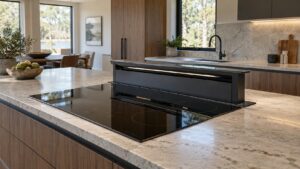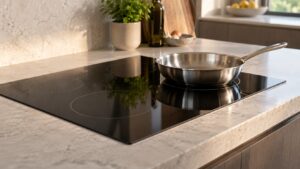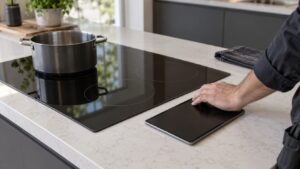
What Touch Controls Unresponsive means on your Dacor cooktop (dacor cooktop touch controls unresponsive)
Because Dacor defines no error code for a cooktop in this condition, this page describes the symptom directly. — a touch panel that accepts no input at all, with the display otherwise blank of any error, is different from f2, which the Modernist manual defines specifically as a communication failure between the main PCB and the touch IC. A silently unresponsive panel with no code showing more often points to something physical sitting between a finger and the sensor: a locked control setting, residue on the glass, or a stray object resting on the surface that is confusing the whole panel rather than one zone.
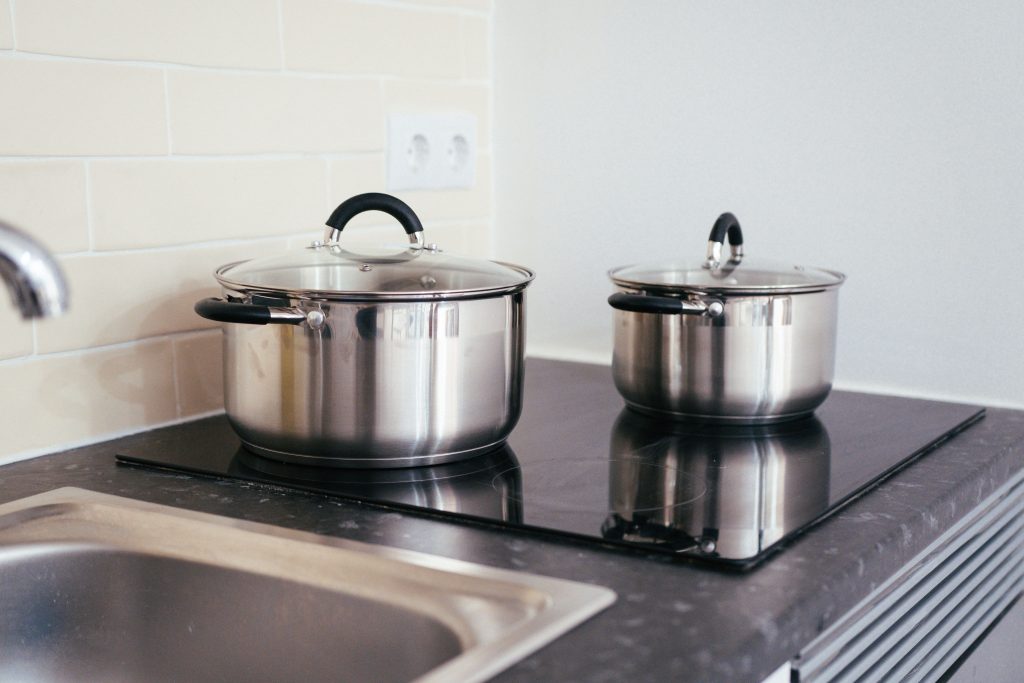
Symptoms
Symptoms are how a cooktop narrows the field, and the ones below are specific enough to separate Touch Controls Unresponsive from its neighbors on a Dacor cooktop.
- No zone or setting responds to any tap across the entire control area.
- The display may still show the clock or a standby indicator, distinguishing this from a total power loss.
- A specific icon associated with a lock function may be lit even though the owner does not recall activating it.
- The panel may respond briefly after cleaning, then go unresponsive again shortly after.
- The issue can follow a heavy cleaning session or a spill that has not fully dried.
Common causes
The order matters: on a Dacor cooktop the earlier causes cost nothing to rule out, while the later ones cost a cooktop part.
- Control lock engaged — many induction cooktops include a lock function that disables all touch input until deliberately released.
- Residue or moisture film across the glass — a thin layer of grease or cleaning product can interfere with touch sensing across the whole panel.
- An object left resting on the control area — even a light utensil can confuse the capacitive sensing for the entire panel.
- Touch IC problem — if cleaning and unlocking do not help, the underlying chip reading touch input may have failed.
- Main PCB problem — less commonly, the board driving the touch panel has failed even though it still shows a clock or standby display.
Troubleshooting steps you can try
Work through these checks on your cooktop in order before calling anyone out, and stop wherever mains voltage, gas, a hot surface or a sealed component on the cooktop is involved.
- Check the user manual for the specific lock/unlock touch sequence and try releasing it before assuming a problem.
- Clean the entire glass surface thoroughly with a soft cloth and mild cleaner, then dry it completely before retesting.
- Remove anything resting on or near the control area, including trivets, utensils, or dish towels.
- Power-cycle the cooktop at the breaker and retest the panel once it has restarted.
- If the panel responds briefly after cleaning and then stops again, note how long the response lasts before failing.
Parts a technician may replace
The touch control panel, glass surface, and main pcb are what a technician examines on a cooktop showing this problem. Genuine parts are fitted to the cooktop, matched to your exact cooktop rather than to the family it belongs to.
When to call a technician
If the panel remains unresponsive after unlocking and cleaning, the touch IC or main PCB needs testing, which is technician work. At Medium severity the cooktop is not in danger, though a Touch Controls Unresponsive that keeps coming back on a cooktop is telling you something. This is independent service for your cooktop — genuine OEM or trusted-supplier parts, and a 30-day warranty on the labor.
Related help and Dacor resources
A cooktop that keeps returning to this state needs eyes on it — book the cooktop repair, or check whether we cover your area. Specifications for the cooktop are at www.dacor.com.