How to turn on a Dacor oven depends on the control panel, and the exact keys differ between models, so your use and care manual has the sequence for yours. What is the same everywhere is the order: confirm the display has power, wake the panel, choose a cooking mode, set the temperature and start. If any step does nothing, the cause is usually upstream of the oven: a tripped breaker, a delay-start or timer left active, a door that is not latched or a flashing clock after an outage. This guide covers those causes in order and does not invent a key sequence your oven may not have.
How do you turn on a Dacor oven?
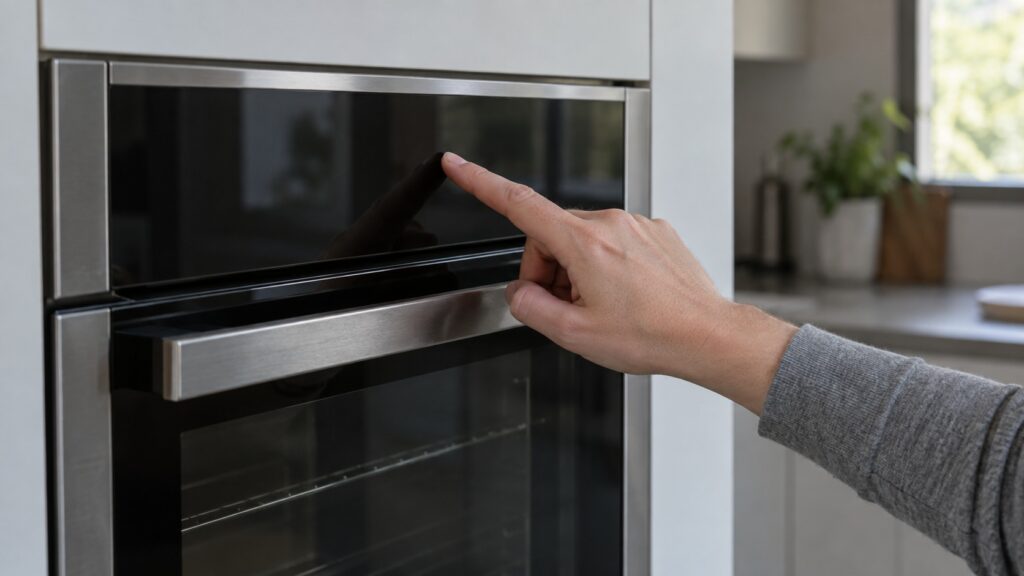
Start by checking that the display is lit. Touch or press the control panel to wake it as your manual describes, choose the cooking mode you want, set the temperature and start the oven. The keys differ between a Samsung-era wall oven and an older model, and we have no page with a key sequence for every model, so use the manual for yours rather than copying steps from another appliance. Our cooktop page, how to turn on a Dacor cooktop, covers the cooktop side, which works differently.
Once the oven is heating, give it time to preheat and keep the door shut while it does, because opening it lets heat out and makes preheating seem slower than it is; how long preheat takes on your model is in the manual. Our guide to an oven that will not reach temperature covers what to check if it still does not heat.
Which Dacor oven do you have?
It matters, because Dacor has built ovens under two control systems. According to our guide to which generation of Dacor you have, a wall oven or range with a model number beginning DOB, DOP or DOC is a Samsung-era unit, while older ovens use Dacor’s own Classic ERC control. Your model number is the reliable signal, not the look of the oven. Knowing the generation tells you which manual and which fault codes apply. Our page comparing oven F-codes and C-codes explains the difference.
What if the display is dark?
A blank oven is almost never a failed part. Our page on a Dacor oven display that is dim or blank says the most frequent cause is something upstream of the oven: a tripped house breaker or a loose power connection at the back of the unit. Check the breaker panel and reset any tripped breaker feeding the oven, confirm that other outlets or appliances on the same circuit work and wait a minute after resetting before you judge the display. Do not keep resetting a breaker that trips again immediately, because that suggests an electrical problem. A loose connection at the junction box is for a qualified electrician; do not pull the oven out or open it yourself.
If the display is faintly visible but very dim, note it for the technician, since a dim display points more toward the backlight than a total power loss.
Why does the oven not respond after you select a mode?
Three simple causes come first. A delay-start or timer setting left active from an earlier attempt can silently block the new selection, so clear it and try again. After a power outage the clock flashes and any timed bake is canceled, which is normal: set the clock, restart the cook and watch that it heats. Our power outage recovery guide lists the order for the whole kitchen. For self-clean, the door must be fully closed and latched, and some models need the cavity cool before the cycle starts. Our page on a Dacor oven self-clean that will not start lists the checks, and suggests a power cycle at the breaker and a fresh selection with no other settings queued.
What does F0 mean when you try to turn the oven on?
On an older, pre-2016 oven with the Classic ERC control, F0 means the control found a key shorted or stuck, and the oven may refuse further key presses. Our F0 page suggests turning the power off at the breaker for one full minute, restoring it, wiping the touch pad and the seam around it dry and checking for spill residue. It also says to avoid pressing keys repeatedly while F0 is showing, since that can extend the lockout timer. If F0 returns, the keypad wiring or a membrane switch needs a technician.
When should you call a technician?
Call if the display stays dark after the breaker is on, if a code returns after a breaker reset, if the oven shows a message you cannot match to the manual, or if the breaker keeps tripping. Write down the exact model number, what the display shows and what happens when you touch it. Do not open panels or the oven’s controls; that is a technician’s job, and do not test any wiring. If you smell burning or see sparks, switch off the breaker at the panel while standing on a dry floor; never pull a plug from a wet outlet. If you smell gas on a gas range, do not switch anything on or off, leave the house and call your gas utility or 911 from outside. See the Dacor oven repair page for what a visit covers.