TL;DR: To turn on a Dacor induction cooktop, make sure the display is lit, release the control lock if it is on, touch the power key, choose a zone and set the level on a pan that is magnetic and sits on the marked zone. A Dacor gas cooktop lights by pushing in the knob and turning it to the light setting until it ignites. If nothing happens, the cause is usually power, the lock, the cookware or the knob, not a broken cooktop.
It seems an odd question for an expensive appliance, but how to turn on a Dacor cooktop is a real search, because the controls are not the dial-and-flame of an old stove. Dacor cooktop touch controls on induction panels are flat glass with touch zones that do nothing until a short sequence is followed, and gas models need a particular knob action to ignite. Many “my cooktop is dead” calls turn out to be a lock that is on, a pan that is not magnetic, or a breaker that tripped. These tips walk you through starting each type and through the most common reasons nothing happens. Controls differ between models, so keep your use and care manual handy for the exact keys.
How do I turn on a Dacor induction cooktop?
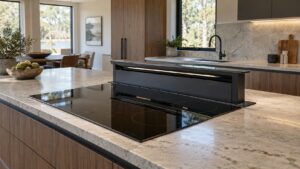
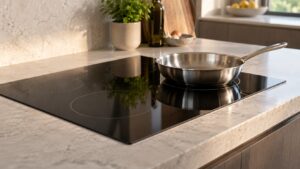
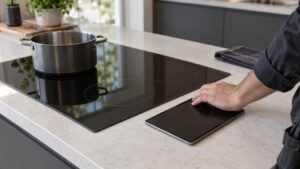
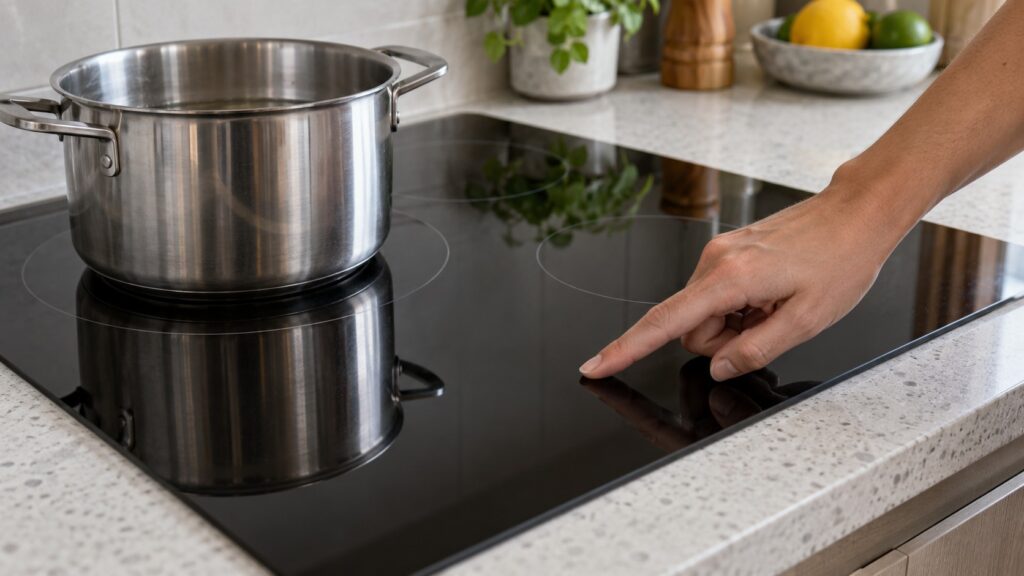
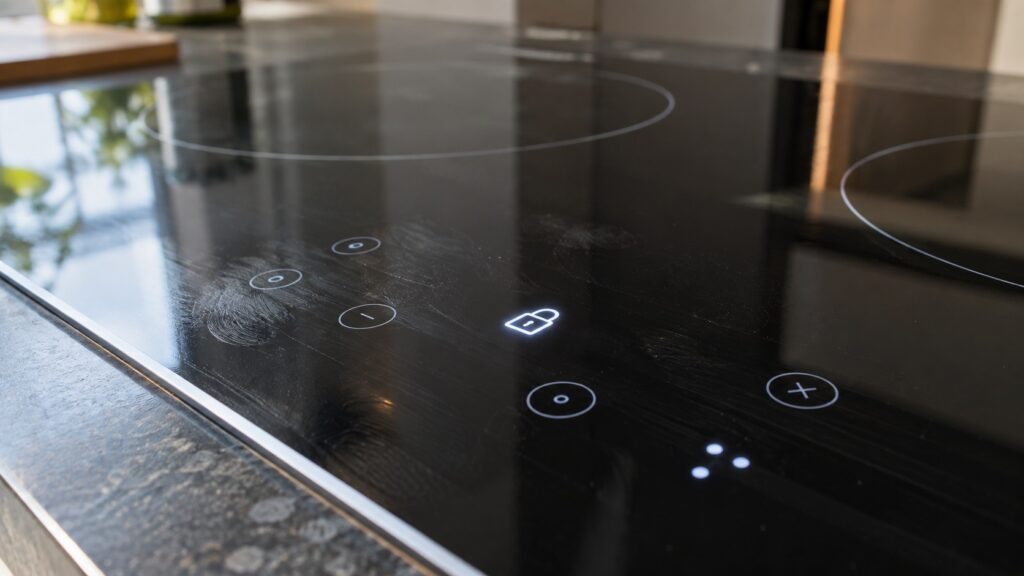
Dacor induction cooktops use a glass touch panel. The general sequence is the same across the Modernist models, though the key positions differ. First, check that the display is lit; a completely dark panel means the cooktop has no power. Touch the power key and wait for the panel to wake. Place a suitable pan on the zone you want and touch that zone’s control, then set the heat level by sliding your finger or touching the level control. The zone’s indicator should light, and the pan heats within seconds.
Keep your fingers dry and the glass clean. Moisture, spilled liquid or a cloth resting on the controls can register as several touches at once and block a normal start. Press with a firm, steady touch, not a quick tap, because many controls need a deliberate press. Cooking tips for the induction models are in our Dacor induction cooktop tips.
How do I turn on a Dacor gas cooktop?
A gas cooktop lights through its knobs. Push in the knob for the burner you want and turn it counterclockwise to the light or high setting. You will hear the igniter click, and the flame should appear within a second or two. Once it is lit, turn the knob to the heat you want. Some models have a feature that relights a burner automatically if the flame blows out; our glossary on Dacor Perma-Flame explains it, and the Illumina knobs glossary explains the lit knobs.
If the burner clicks and does not light, turn the knob off at once, and let any gas smell clear before trying again. Check that the burner cap sits flat and is dry, since a cap that is slightly off or damp stops the spark finding gas. Dacor documents these gas problems in plain words rather than as codes. If a gas smell persists with the knobs off, leave the area and call your gas utility.
Why won’t my Dacor cooktop turn on?
Work from the cheapest cause to the dearest. A blank, silent cooktop is almost never a failed part. Check the breaker for the cooktop circuit and reset it fully off and on if it has tripped; look for a GFCI or AFCI device feeding the circuit. A loose junction connection behind the cooktop is the next cause, and that is for a qualified electrician. Our page for cooktop won’t turn on lists the causes in order of likelihood.
If the display is lit but the zones ignore you, suspect the lock. The child lock is a normal function, and it releases with a sustained press, not a quick tap. If it keeps re-locking, residue on the glass over the lock icon may be confusing the sensor. Our page on the cooktop child lock won’t release covers it. And if the zone stays inactive with a pan on it, the pan is the problem: aluminum, copper and glass pans do not work on induction, as the pan not detected page explains. A magnet sticking firmly to the underside is the test.
What does the UP code mean?
UP is not a part failure. On this site, it means the cooktop’s board measures household voltage outside the 208 to 240 volt range it needs. It can come from a shared or undersized circuit, a loose connection at the breaker or the junction box, or a fluctuation on the utility side. Lights dimming elsewhere when you use the cooktop is a clue. Because this lives in the supply, the fix is usually at the panel and not in the appliance; see the UP code page and our guide on cooktop A2 and UP codes.
What if it turns on and then shuts off or beeps?
Two behaviors are often misread. A zone that stops mid-cook with no code is usually a built-in protective pause, triggered by an empty pan left on a high setting or a long run at maximum power. Let it cool and restart it. Repeated beeping with no code is typically an unacknowledged timer, moisture on the panel or an object resting on it; clear the timer, dry the glass and remove anything on the controls. If you see actual codes such as C0, C1 or C2, those are sensor codes covered in our Dacor cooktop C0, C1 and C2 guide, and communication codes are in the F0, F1 and F2 guide.
When the checks do not help, write down what the display shows and what happens when you touch it, then book a visit. See Dacor cooktop repair or schedule a visit.